Base
USD 100 / month
- Installation on a dedicated server inside your company
- Weekly product updates
- Up to 10 users
- Technical support from people
 ES

Talk to your company’s information in real time. Create dashboards to make decisions and apps to automate your work.
Download the executable for your server. Choose your system and configure the installation on your company’s infrastructure.
View server requirementsLinux x64
Download LinuxSave it in a folder with your .env file and run:
chmod +x ./odin-bi-linux-x64
./odin-bi-linux-x64 serveThe next generation of conversational BI puts company information within every person’s reach, without needing to code.
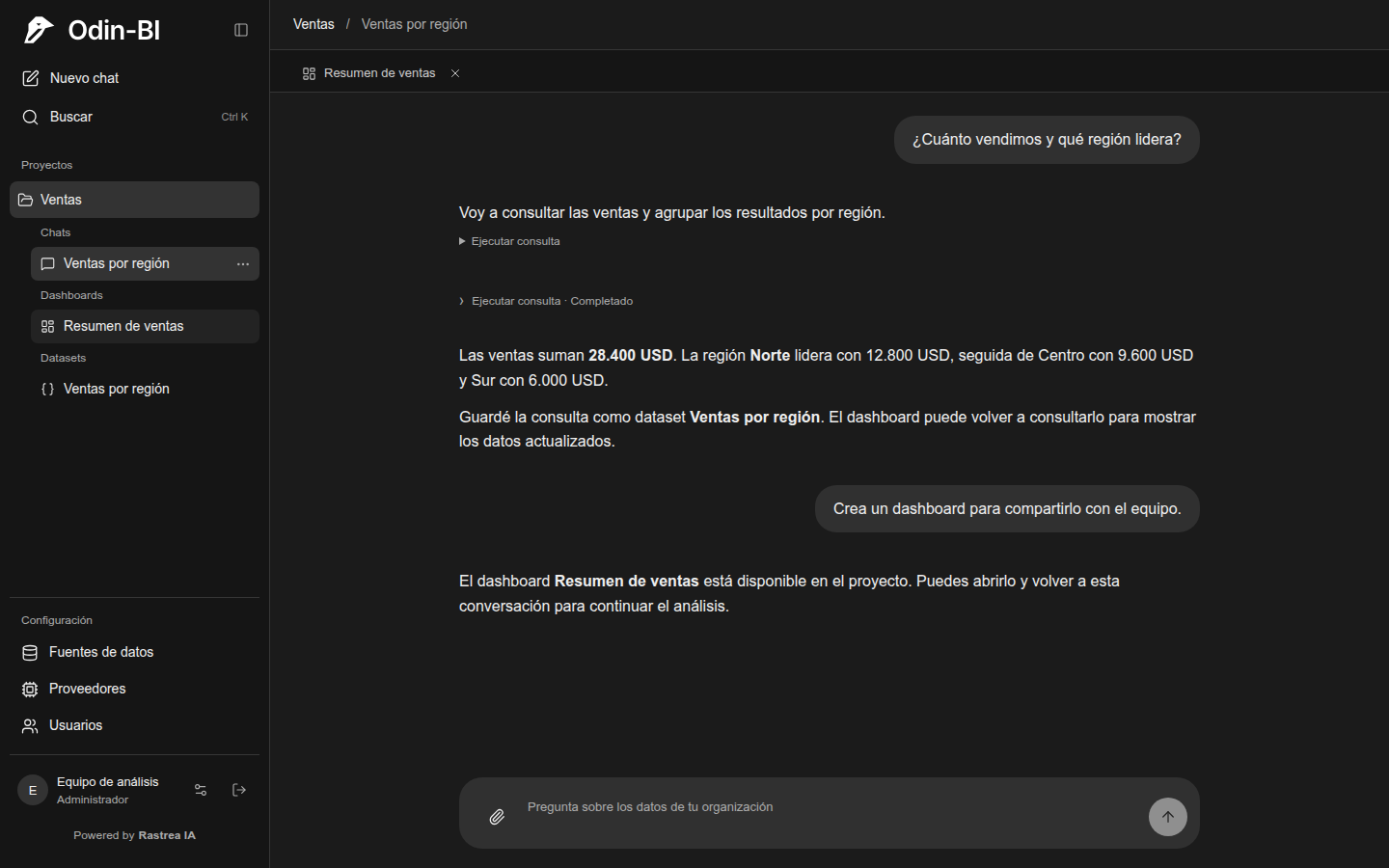
 Sales · Team analysis
How much did we sell?
Total sales
$28,400I brought together the three regions. Keep asking questions or save the query for later.
Interactive product example with fictional data. This is not a trial installation.
The agent understands the available connections, their structures and your team’s descriptions. It can query several sources and combine their results.
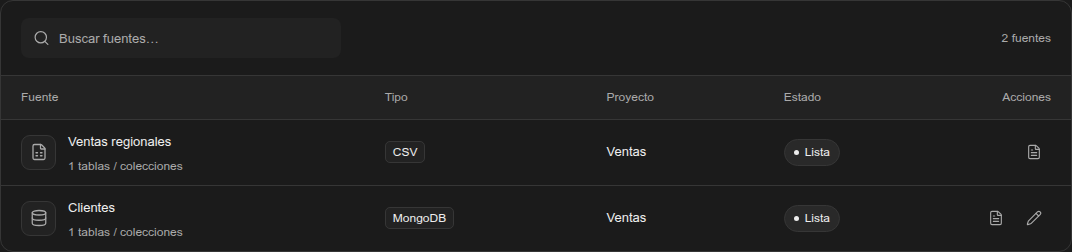
Create applications for your own work: integrate data, automate information queries and organize processes with forms. Tell the agent what you need to solve.
For example: combine contacts from two MongoDB collections, specify the property that identifies each person and define the fields, tags and forms you need.

New data lives in the mini app’s own destinations; original sources remain read-only. Datasets support queries and actions support creating or updating records from forms and other integrations.
Save one or more queries under a name. Its URL works as your own API and can also run TypeScript with Bun to combine data from different databases.
{
  "name": "Ventas por región",
  "sources": ["ventas", "clientes"],
  "url": "/api/datasets/ventas-region/data"
}External consumption is configured per dataset. An automatic token is recommended; publishing without one is the user’s explicit choice.
Create dashboards with interactive charts and PDF reports with vector charts. Attach images, videos and documents to include in your outputs.
Consumes datasets to query sources again, with automatic or manual refresh and interactive controls.
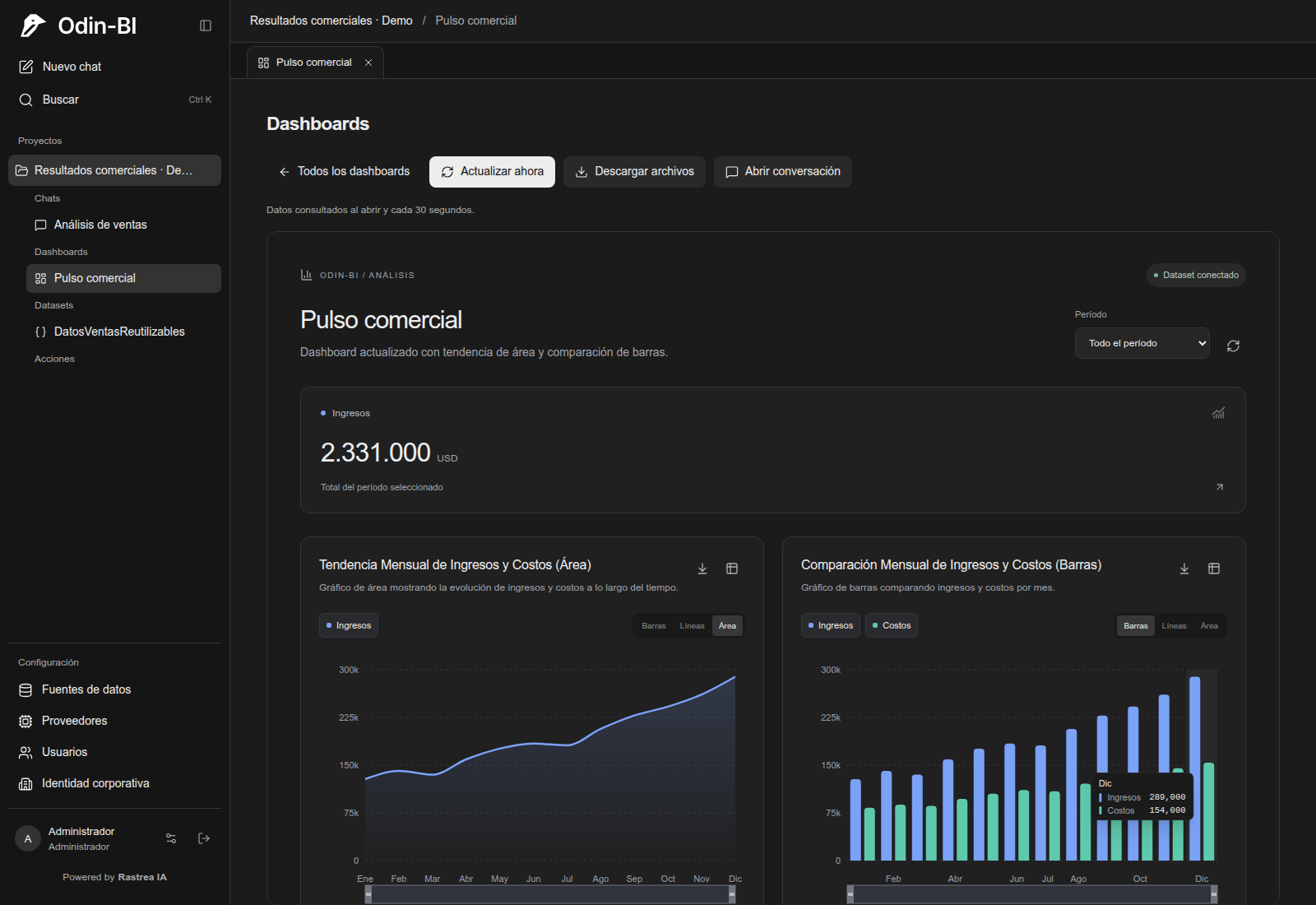
Odin-BI interface · Sample data
Sales, HR and logistics work in one installation inside your company. Every person can query, decide and build with the sources they can access, in private, shared or organization-wide projects.
Admins manage users, connections and LLMs, and can access every project. Operators can upload CSV files. Access to sources and dashboards follows project and resource permissions.
Connect llama.cpp on your infrastructure or configure DeepSeek. Administrators explore available models and choose the service the agent uses.
Odin-BI installed on a dedicated server, with weekly product updates and technical support from people.
USD 100 / month
USD 350 / month
Enterprise is free when you purchase S42 Titan.
Ask about EnterpriseToken costs are not included in either plan. For AI usage, we recommend Stock42’s token plans.
View DeepSeek token plansWe recommend a server dedicated to running Odin-BI inside your company. Each organization has its own installation.
S42 Titan enhances Odin-BI with servers capable of running AI locally, so you can use models on your own infrastructure.
Explore S42 TitanAlso runs on Windows and macOS.
Odin-BI is installed on each organization’s infrastructure. Users, conversations, configuration and artifacts are stored in MongoDB. Connected databases retain their data in their own systems. llama.cpp supports local AI; with DeepSeek, the schemas and results needed for analysis are sent to the provider, without source credentials.
Install Odin-BI on your infrastructure and bring this capability to every person in your organization.
Meet Rastrea IA